

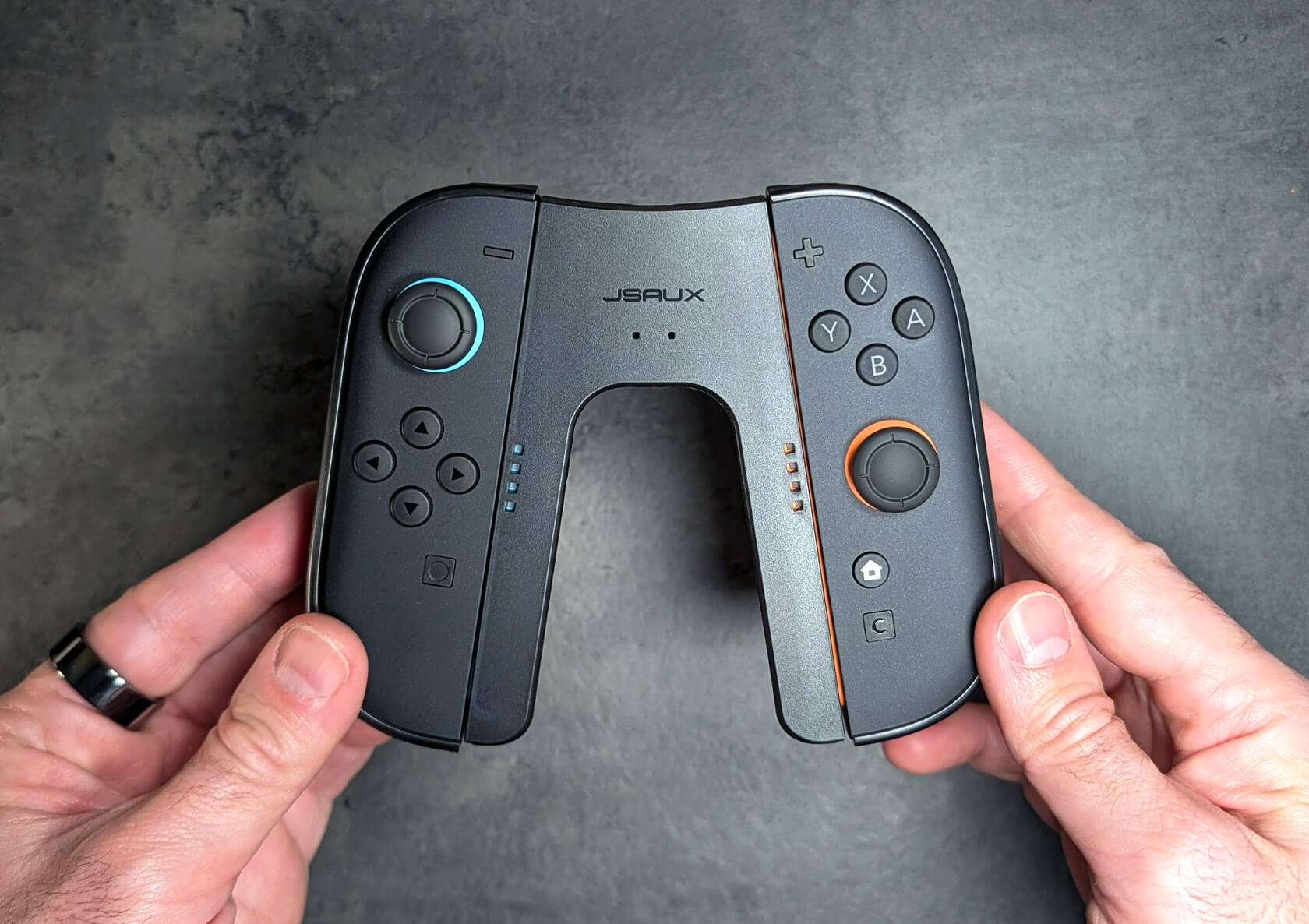
JSAUX JoyVerse Dual Joy-Con Grip Review: A No-Brainer Upgrade for Switch 2 Players
Published Jun 12, 2026
Includes affiliate content
JSAUX undercuts Nintendo’s own charging grip on price and beats it on ergonomics.
The Joy-Cons are one of the Nintendo Switch 2’s biggest improvements over the original Switch. They’re larger and much easier to attach, but just like their predecessors, they aren’t the most comfortable controllers for longer sessions. Sure, they’re great for quick casual gaming, but when you’re sitting on the couch with the console docked, they still feel a little too slim and flat compared to a proper controller, particularly Nintendo’s excellent Pro Controller.
Nintendo does offer its own grips, including a charging grip that keeps the Joy-Cons topped up as you play, but as usual, the official accessory keeps things basic without worrying too much about ergonomics. JSAUX’s JoyVerse Dual Grip takes the same basic idea and gives it a more comfortable shape, with added rear grips that make the Joy-Cons feel much closer to a traditional gamepad. And it does that at a more affordable price, starting at $17.99 for the standard grip version, versus Nintendo’s $34.99. There’s also a more substantial “thickened grip” variant available for $22.99.
I’ve had the standard version attached to my Joy-Cons for a few weeks, so here’s how it holds up.
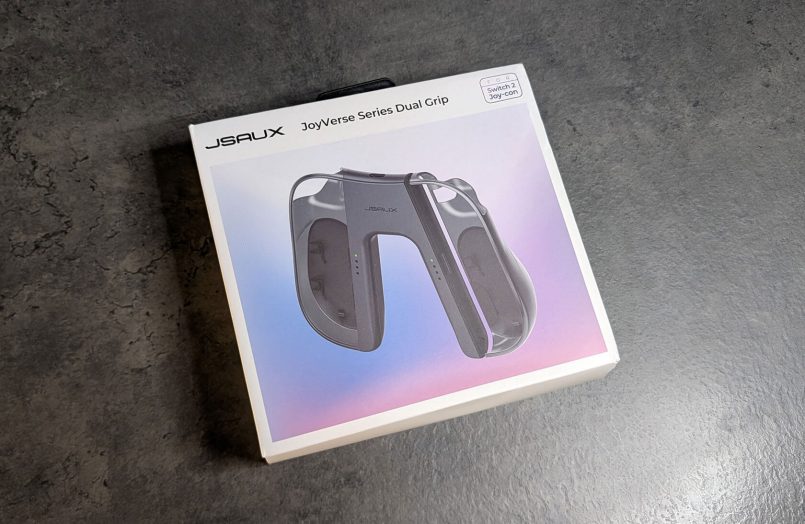
What’s in the box
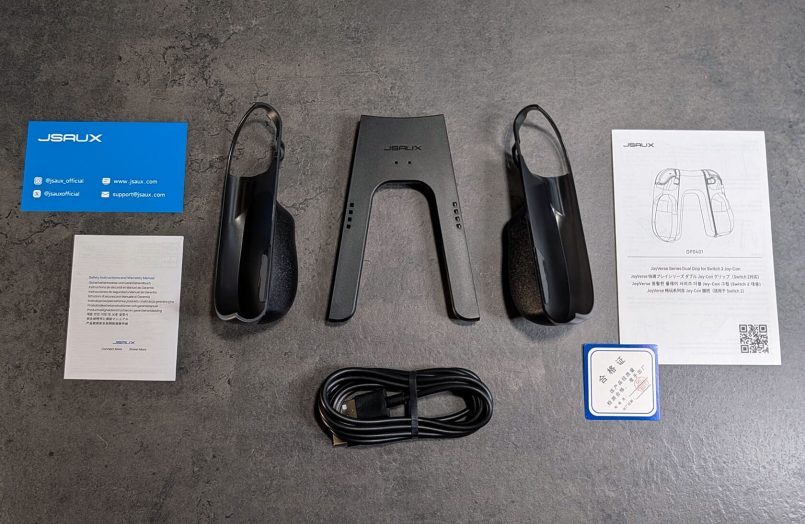
Inside the familiar JSAUX packaging you’ll find the two grip shells, one for each Joy-Con, the middle section that connects them, a 1.5m USB-C to USB-A cable and the usual paperwork.
Design, build quality and feel
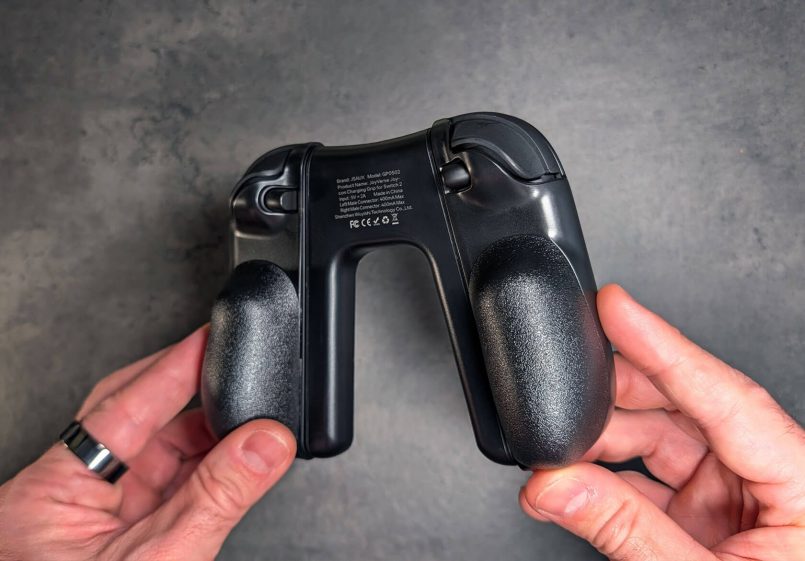
This is where JSAUX’s accessory pulls ahead of the official option. Each shell is shaped like a proper ergonomic handle with a lightly textured, non-slip finish, so instead of the smaller, more subtle handles you get from Nintendo’s grip, your palms have something nicely shaped to hold onto.
Another bonus is the modular setup. You can use the handle shells with the Joy-Cons on their own, attached to the centre grip, or even while the Joy-Cons are connected to the Switch 2 itself in handheld mode, giving you a more comfortable experience when you’re on the go.


Putting everything together is easy. The Joy-Cons slide into the side shells first, then snap into the middle section to form a single controller. Once that’s done, everything feels secure, and during my testing I never experienced the annoying wobble some third-party grips can have.


Overall, this setup feels much closer to a Pro Controller in spirit, although not quite as wide across the body.
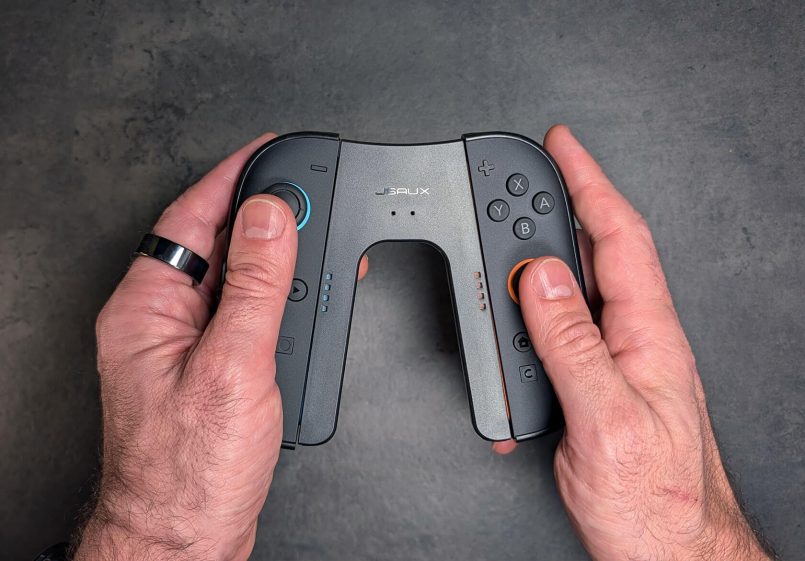
Build-wise, they’ve used the lightweight PC plastic you’d expect at this price, but it does the job well and feels really nice in the hands.
Charge while you play
One of the key features of this grip is the ability to charge your Joy-Cons while you play. The USB-C port sits at the top of the middle section, which is a familiar, convenient spot.
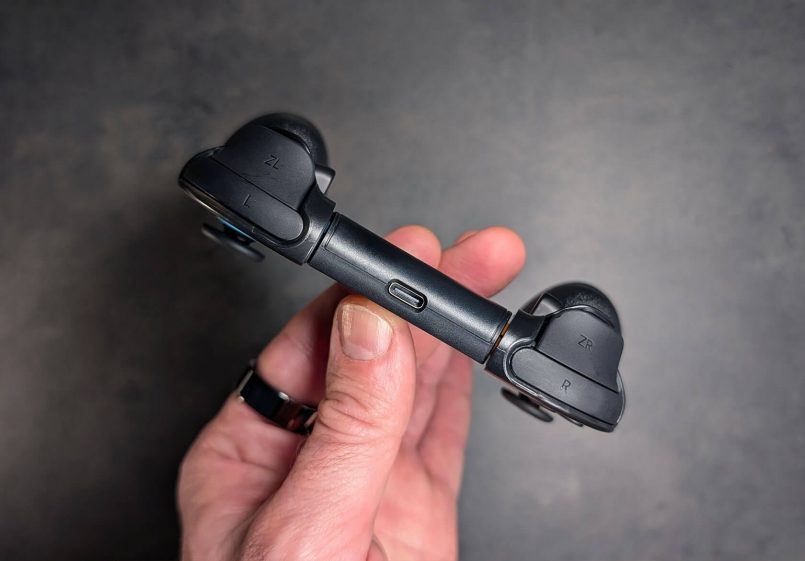
Plug in the included cable and you can keep playing without stressing about the low-battery warning popping up mid-session. JSAUX says a full top-up takes about 2.5 hours, and the LED indicators on the middle section show the charging status at a glance. There’s also built-in overcharge and overcurrent protection, which is great to see for some peace of mind.
The 1.5m cable might be a bit short for couch gaming depending on your situation, but it’s definitely long enough for a desk setup.
How does it stack up against Nintendo’s grip?
The numbers are clear. Nintendo’s official Joy-Con 2 Charging Grip will cost you $34.99, while the JoyVerse with the standard grip is $17.99, roughly half the price. JSAUX’s chunkier “thickened grip” version is still only $22.99.
To be fair to Nintendo, their grip does add mappable GL/GR back buttons that the JSAUX doesn’t, so if remappable inputs are a priority for you, that’s something to keep in mind. But for the core job of charging while you play, comfortably, JSAUX delivers a better product for noticeably less money.
Should you buy it?
If you play with detached Joy-Cons most of the time, the JoyVerse Dual Grip is easy to recommend. It makes the Joy-Cons much nicer to hold, keeps them charged while you play and is cheaper than Nintendo’s own accessory by a decent margin.
It won’t replace the feel of a full Pro Controller, and there are no remappable buttons here, but if you primarily use Joy-Cons as your main controllers, this is one of those small upgrades that makes an immediate difference.
This post contains affiliate links to partner brands. We earn a small commission if you click the link and make a purchase. There is no extra cost to you, so it’s just a nice way to help support the site. The product featured in this article was provided by the manufacturer for testing purposes, however, the opinions expressed are entirely our own.







More
articles
Inspiration
in your inbox
Amazing art & design, never any spam.
We care about protecting your data. Please refer to our Privacy Policy for more.

- Advertising
- Architecture
- Art
- Branding
- Fashion & Beauty
- Gaming
- Graphic Design
- Illustration
- Industrial Design
- Interior Design
- Logo Design
- Packaging Design
- Photography
- Pop Culture
- Print Design
- Product Design
- Technology
- Typography
- UX & UI Design
- Vehicle Design
- Video & Motion
© 2026 Inspiration Grid, all rights reserved. Some of our posts may contain affiliate links to partner brands. We earn a small commission if you click the link and make a purchase. There is no extra cost to you, so it’s just a nice way to help support the site. All images, videos, and other content posted on the site is attributed to their creators and original sources. If you see something wrong here or you would like to have it removed, please contact us.